
Convert an IDML file online
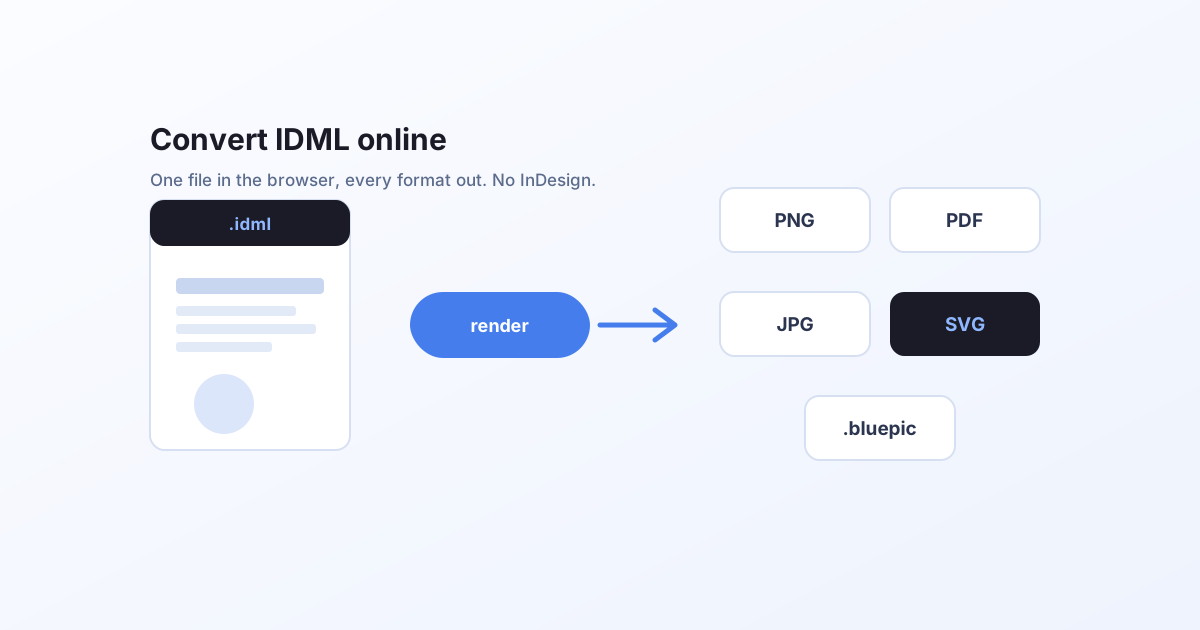
A step-by-step walkthrough of the free IDML tool, opening a file, editing text and images, and exporting to PNG, JPG, PDF or SVG, all in your browser without InDesign.
What you need
An InDesign .idml file. If you have the full package (the folder InDesign creates with File → Package), even better, because it also holds the Links and Document fonts folders the layout depends on.
You do not need InDesign, an account, or an upload. The tool runs entirely in your browser.
Step 1: Open the file
Go to the IDML converter and drop your file onto the drop zone. Two options:
- Choose folder picks up the whole package, so linked images and fonts resolve automatically. This gives the most faithful result.
- Choose .idml file loads a lone document. It still renders, using any fonts it can resolve.
Once it parses, you see a live preview of every page and a summary of how many pages, images and fonts were found.
Step 2: Edit the content (optional)
Everything is editable in the panel next to the preview:
- Text: type over any field. Because the engine re-fits text to its frame, a longer or translated string never clips or overflows. The layout stays intact.
- Images: press Replace to swap in your own photo, then Crop to reframe it. Images are compressed for the size they are displayed at, so exports stay light.
The preview updates live as you edit.
Step 3: Export
Pick your format:
- PDF: every page merged into one print-ready file, with real vector text.
- PNG: high-resolution raster, with transparency where the layout has no background.
- JPG: a smaller, flat image for email and uploads.
- SVG: true vector, with a choice of live (editable) text or outlined paths.
Use the primary button for the page's default format, or the Download menu for any other format. Multi-page documents export page by page, except PDF, which merges them.
Just want to look at it?
If someone sent you an .idml and you only need to see it, the IDML viewer opens it straight to a preview. To change the text or images first, the IDML editor is the same tool framed for editing.
Doing this at scale?
The exact same rendering engine is available as a hosted render API. POST an IDML with its assets and per-language text, and get PNG, JPEG, PDF or SVG back, with 100 free render credits per month. See Render your first template or the API reference.