
Tutorials & guides
Real problems, solved end to end. Building templates in Bluepic Studio, driving them from the API, and translating or automating the InDesign files and artwork you already have.
Platform
Build a template visually in Bluepic Studio, then drive it from your own code via the API.
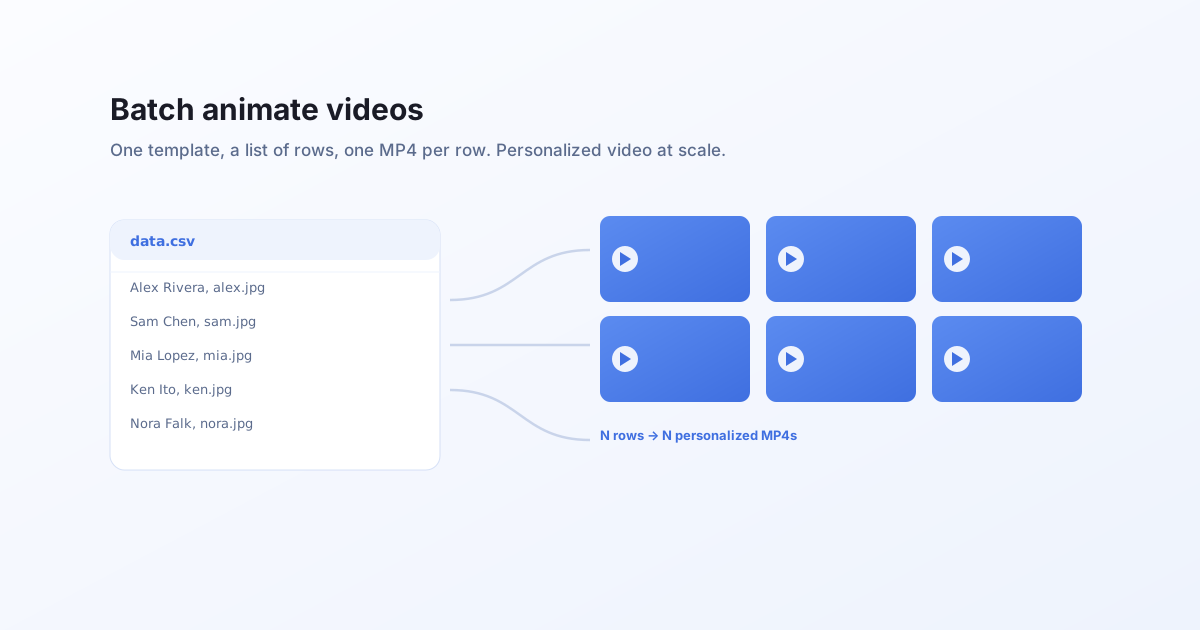
Batch animate videos
Generate hundreds of personalized videos from one template. Loop over your data, one render request per row, and collect a hosted MP4 for each. Personalized video at scale, from a spreadsheet or a database.
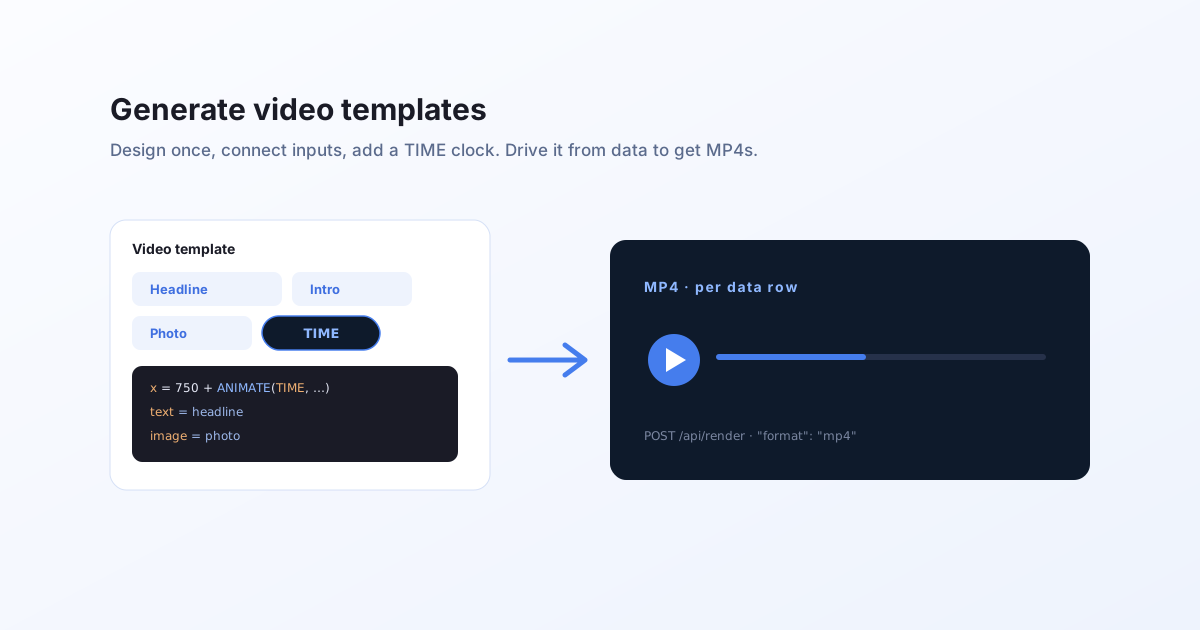
Generate video templates
What a video template is and how to create one you can drive from data. Design a reactive layout in Studio, animate its properties over a TIME clock, connect input fields, then render a personalized MP4 per data row over the API.
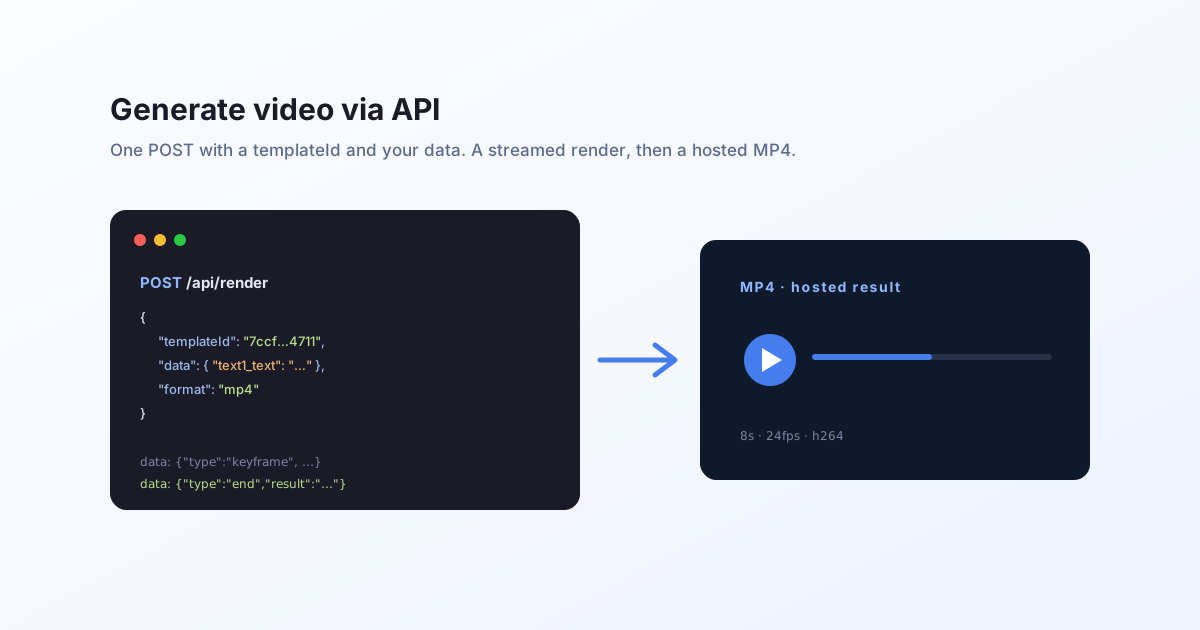
Generate video via API
How to generate an MP4 from a Bluepic template with one API call. POST a templateId and your data, read the streamed render, and get a hosted video URL back. Includes a free public demo you can call with no key.
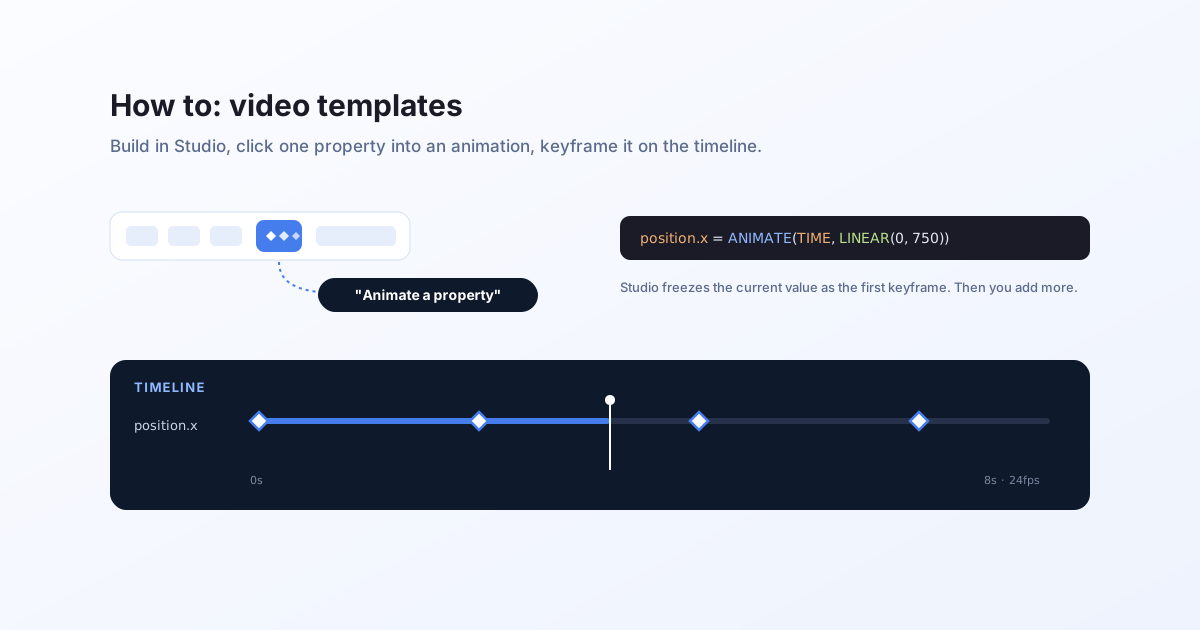
How to: build a video template in Studio
A step-by-step guide to turning a Bluepic template into an animated video, visually in Studio. Set a duration, click a property into an animation, keyframe it on the timeline, then render an MP4 over the API.
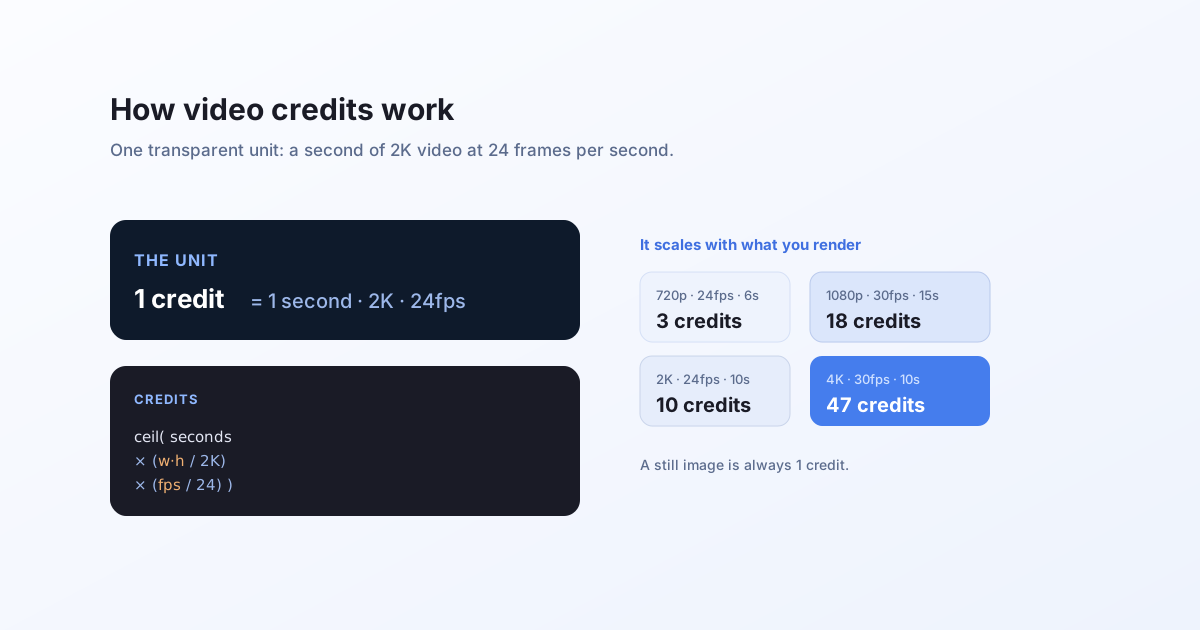
How video credits work
Video rendering is metered transparently. One credit is one second of 2K video at 24fps, and the cost scales linearly with resolution and frame rate. Here is the exact formula, with worked examples.
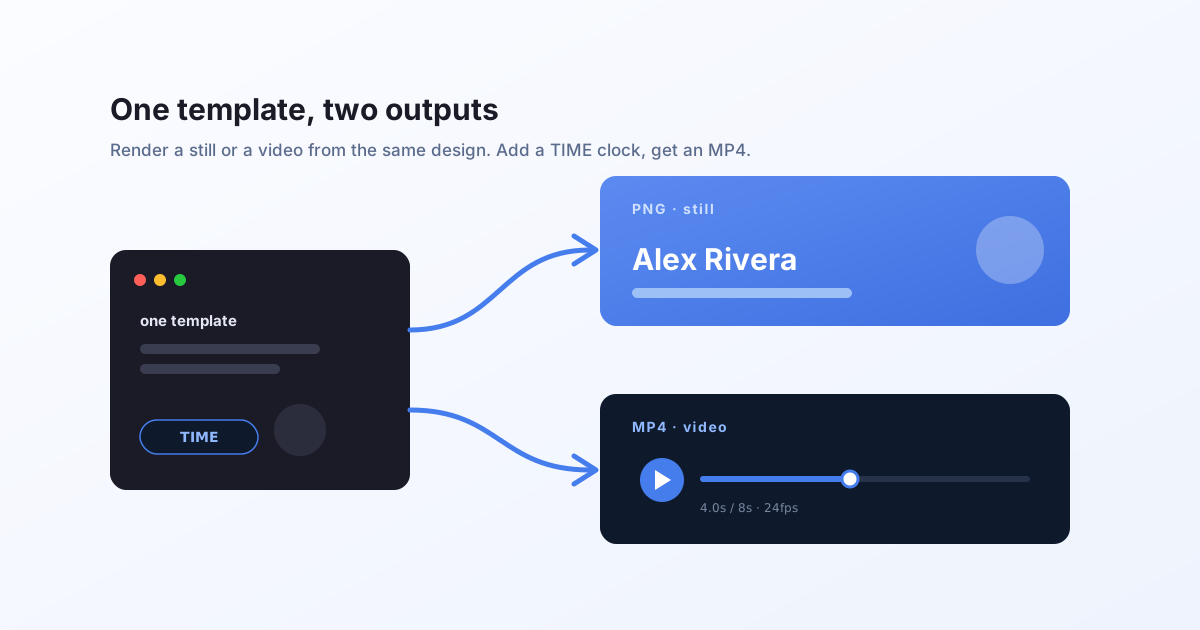
One template, two outputs: still and video
The same Bluepic template renders a PNG or an animated MP4. Change one thing, the format, and the same design becomes a personalized video. No second tool, no separate video template.
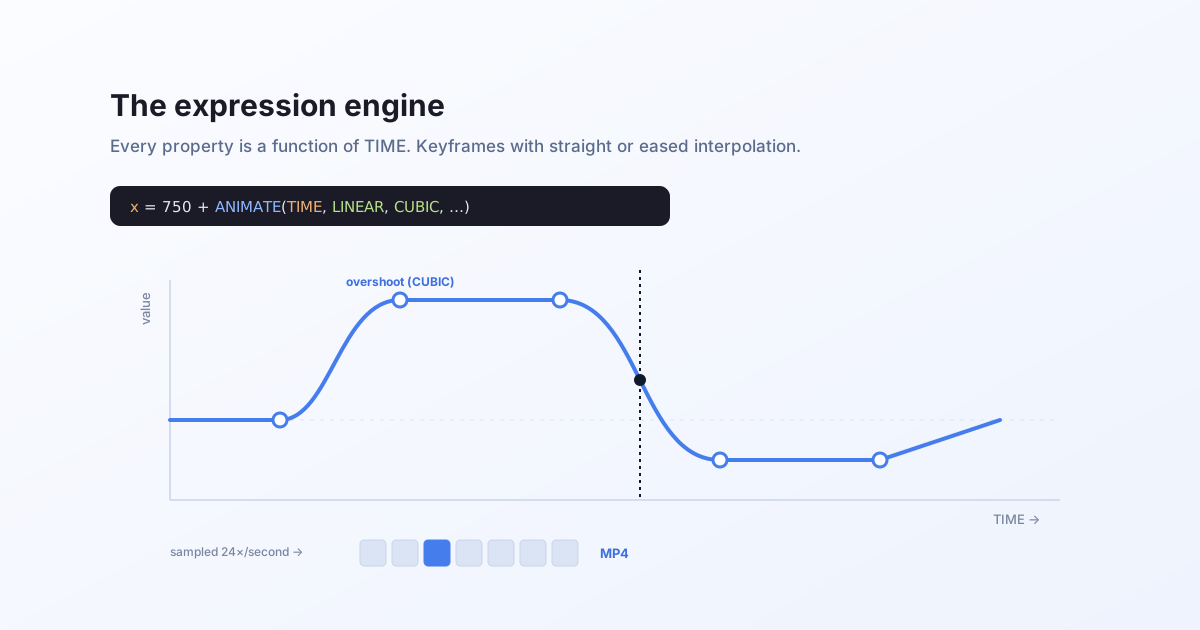
The expression engine: animate any property over TIME
How a Bluepic template becomes an animation. Every property is an expression, TIME is the only extra input, and ANIMATE turns keyframes into motion with straight or eased interpolation.
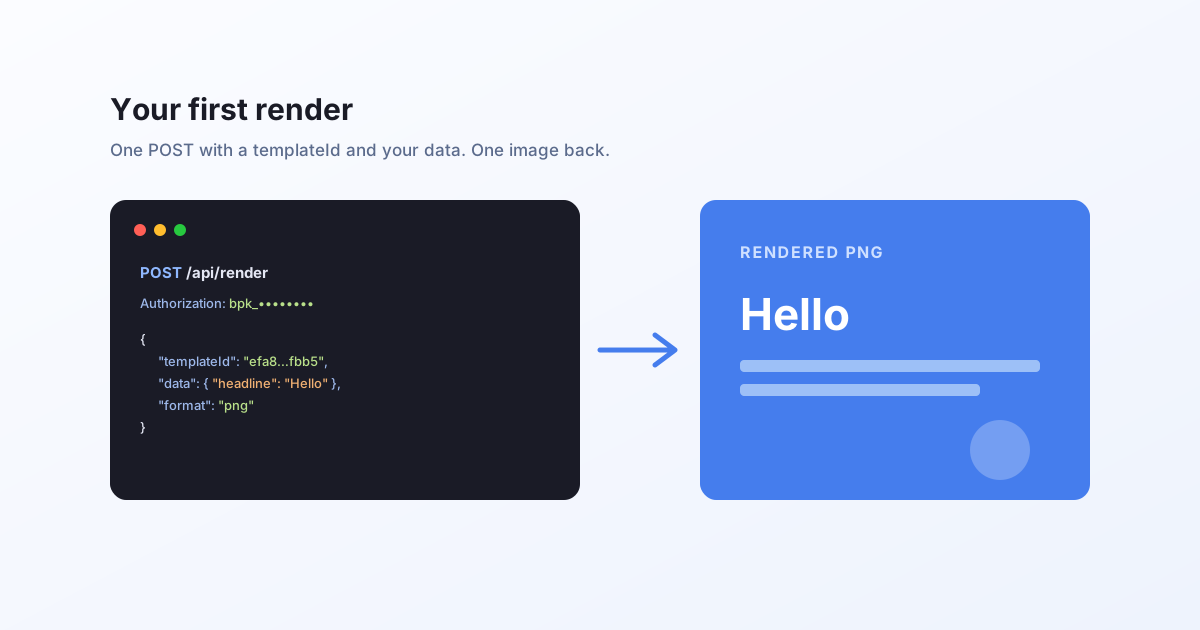
Render your first template
A five-minute API quickstart. Get a key, POST a templateId with your data, and get a rendered image or video back. Includes public demo templates you can call with no key at all.
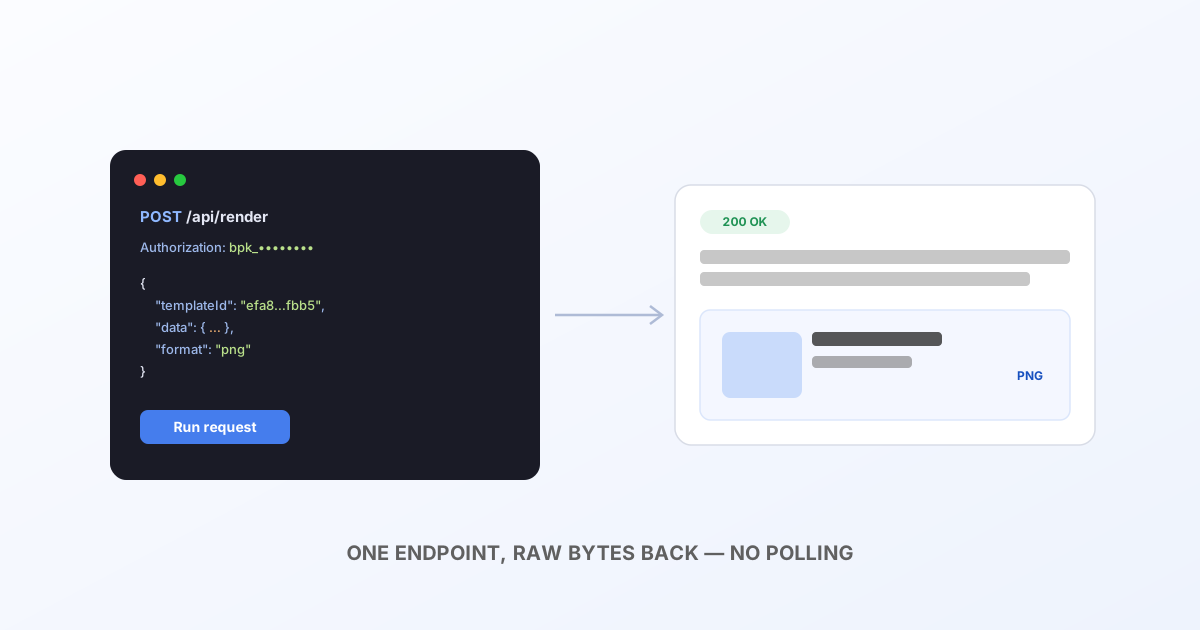
API reference
Every endpoint in the Bluepic developer API, authentication, rendering a Studio template, rendering a raw IDML file, checking your credit balance, and the errors you'll actually hit.
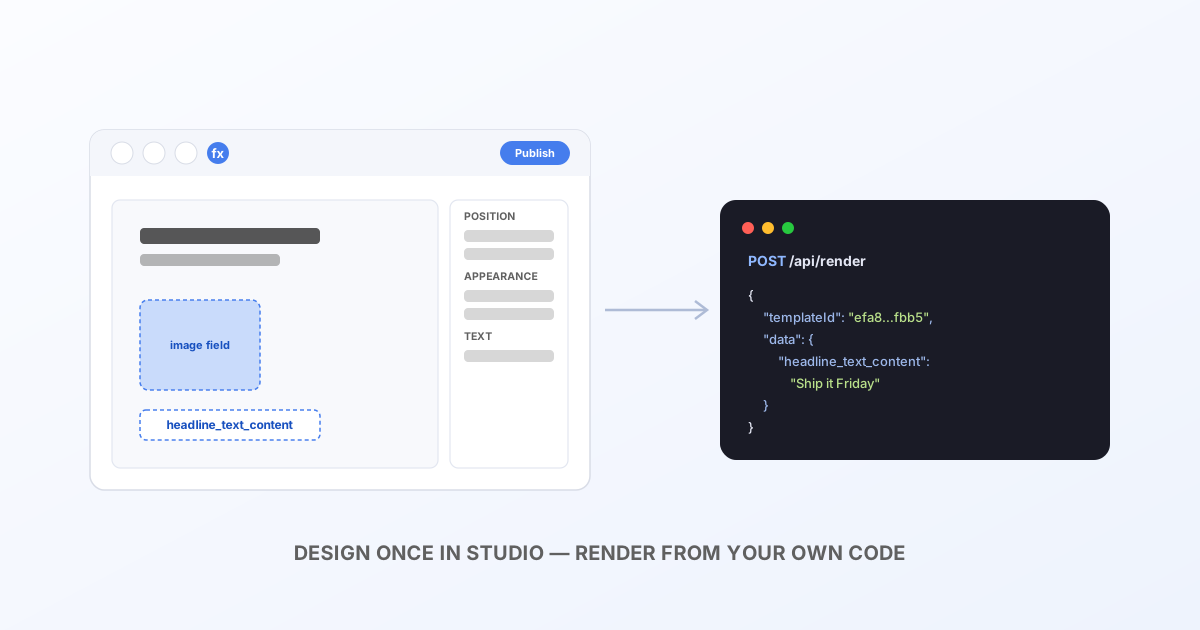
Building templates in Bluepic Studio
Design a template visually in Bluepic Studio (elements, expressions and input fields), then find its ID and drive it from your own code with a single POST /api/render call.
Translate
One master layout, every language, auto-fitted, not manually rebuilt.
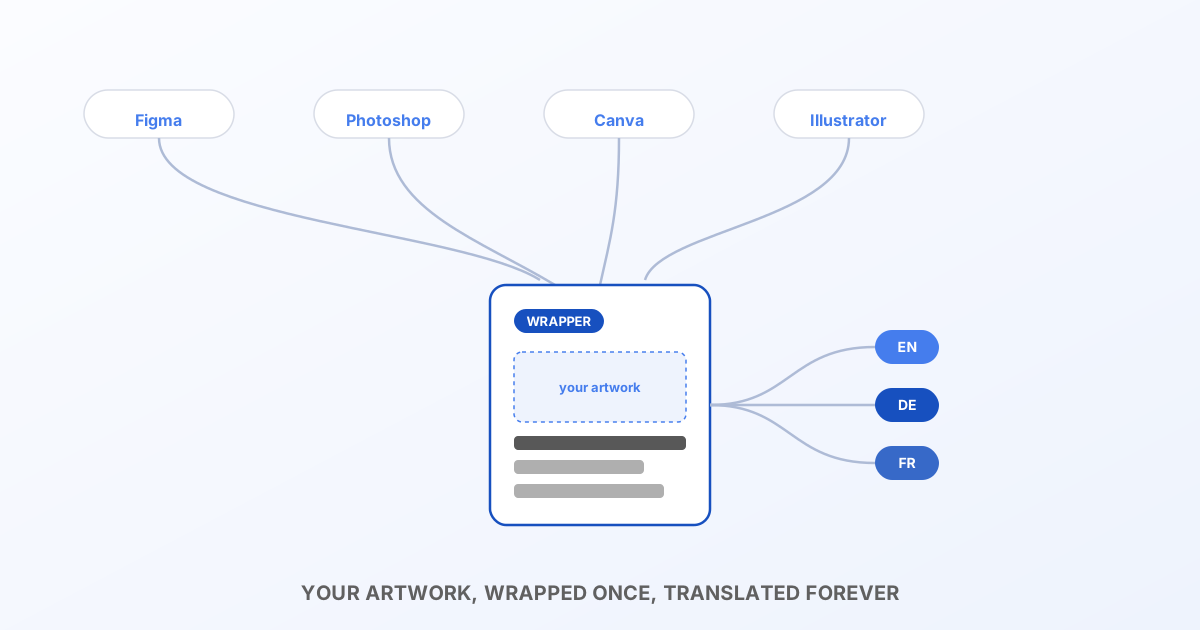
Translate Figma, Photoshop, Canva & Illustrator graphics automatically
None of these tools export a translatable, auto-fitting layout, but a thin InDesign wrapper around your existing artwork turns them into one, with zero design rework.
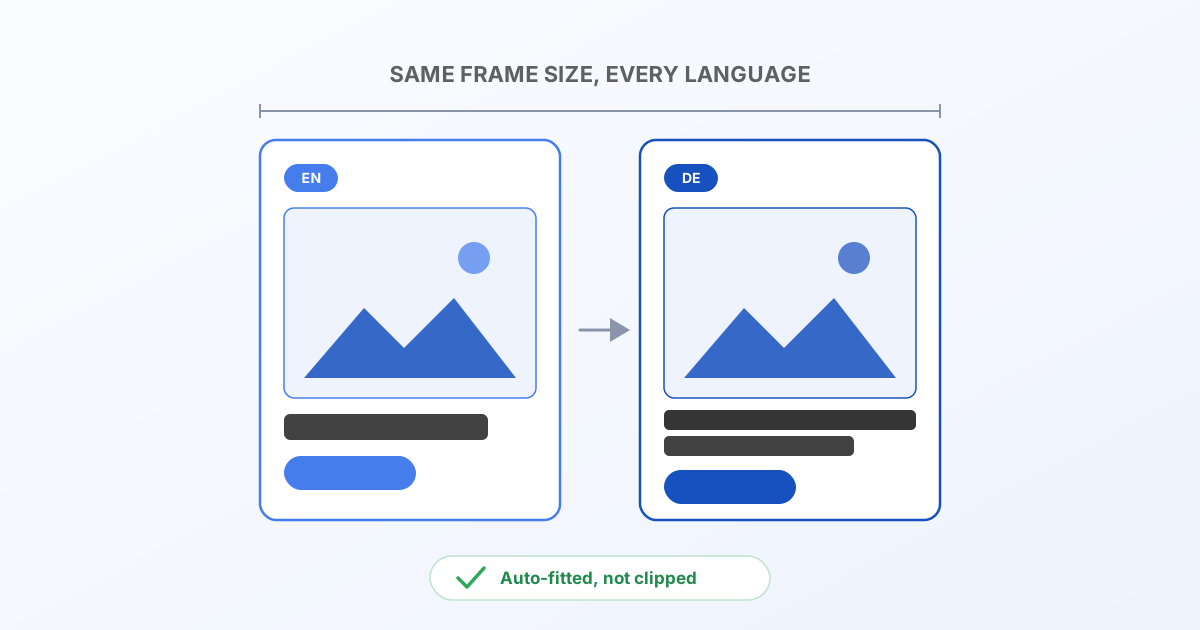
Translate InDesign projects automatically
Turn one InDesign master layout into every language you need, with the text re-fit automatically, by hand in the browser, or by API for real automation.
Automate
Turn a design into a pipeline: batch renders, dynamic fields, no InDesign install required.
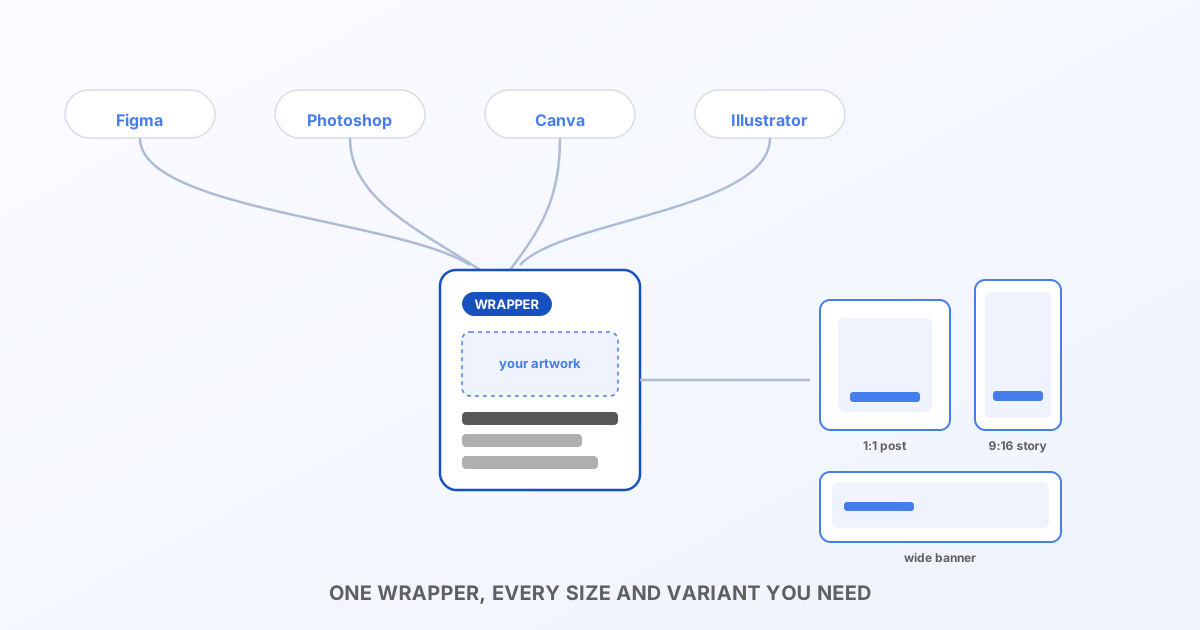
Automate Figma, Photoshop, Canva & Illustrator graphics
Batch-generate variants of artwork made in Figma, Photoshop, Canva or Illustrator (personalized fields, multiple sizes, hundreds of outputs) with no design software running in your pipeline.
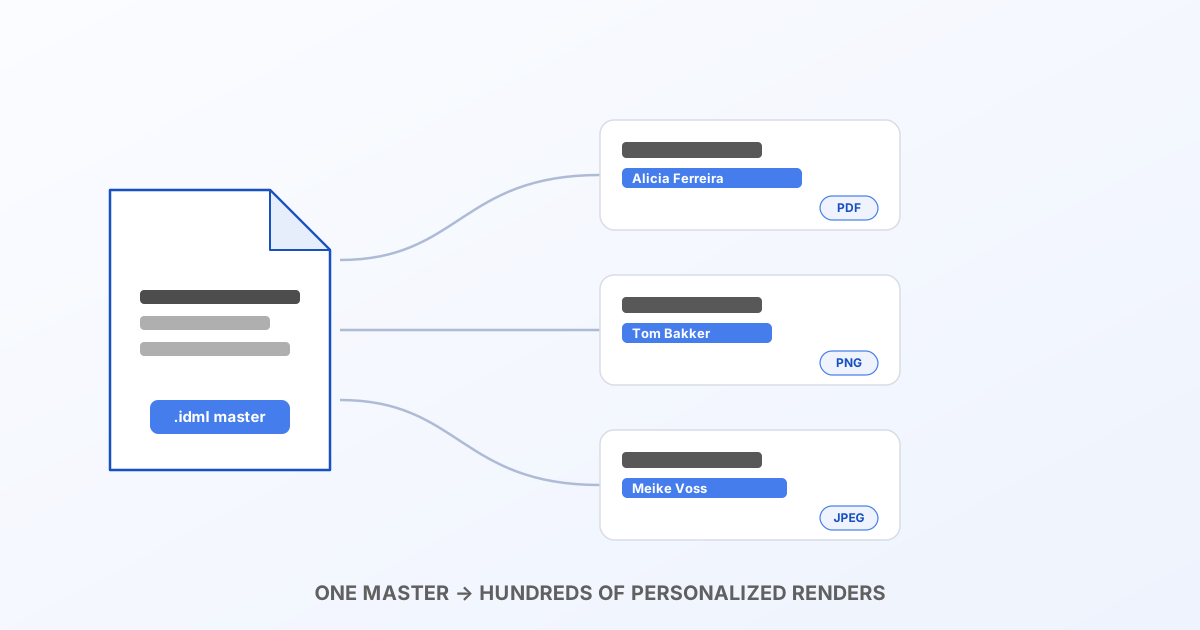
Automate InDesign projects
Turn a single InDesign layout into a rendering pipeline, batch outputs, dynamic fields, and PDF/PNG/JPEG/SVG generation with no InDesign install anywhere.
Reference
How the engine actually behaves: text bounds, element splitting, and the rich-text override format.
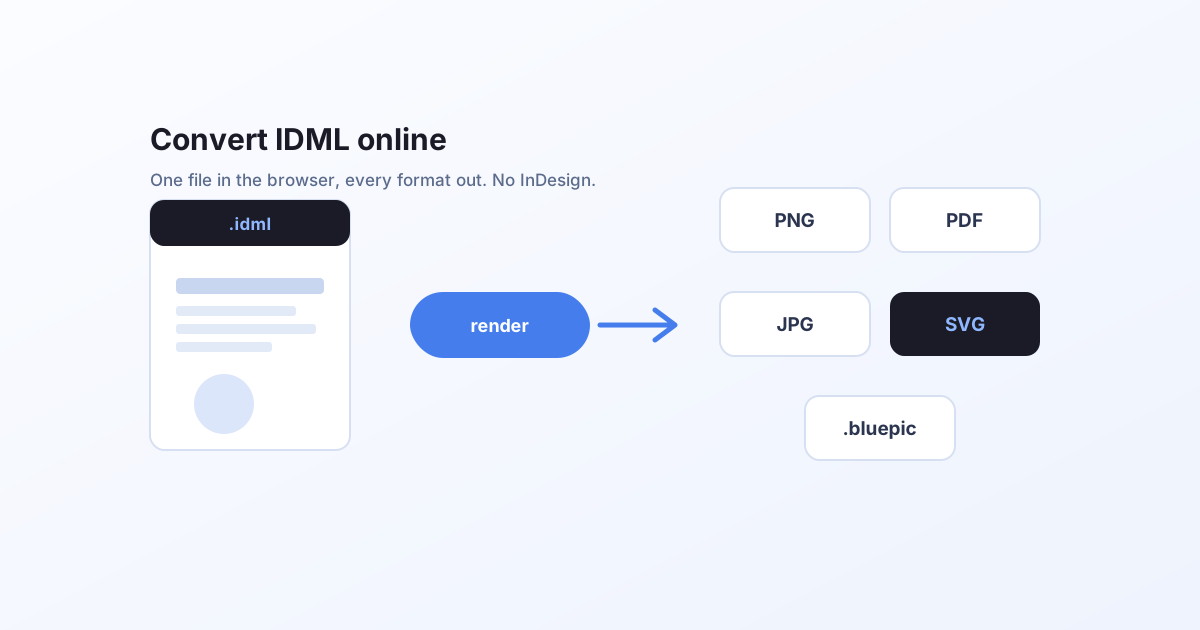
Convert an IDML file online
A step-by-step walkthrough of the free IDML tool, opening a file, editing text and images, and exporting to PNG, JPG, PDF or SVG, all in your browser without InDesign.
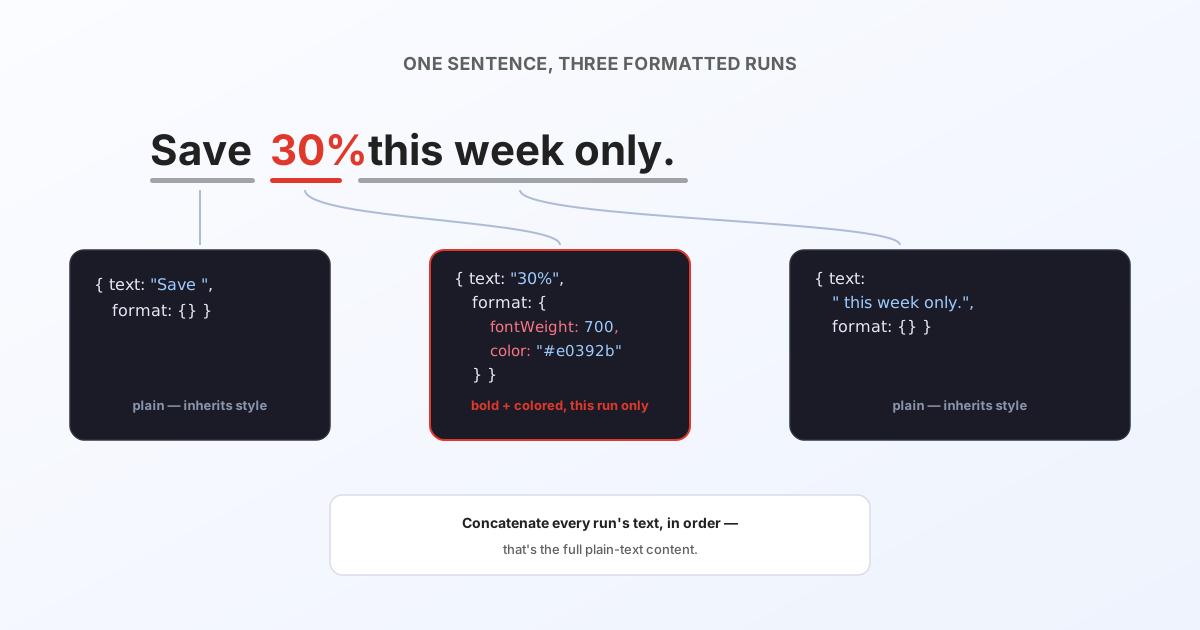
Rich text format for overrides
The exact JSON shape textOverrides expects when a text element has mixed formatting inside it, fields, defaults, line breaks, and a full worked example.
Text frames, bounds & best practices
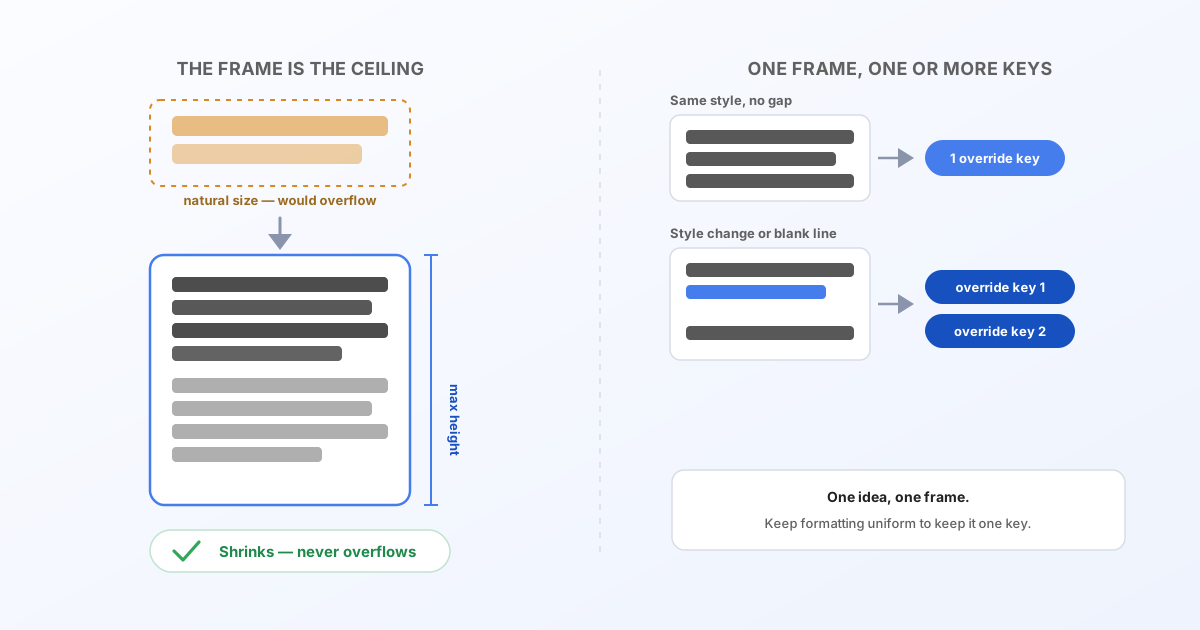
How the rendering engine and the InDesign→serial conversion actually interact, why a text frame's size is the hard ceiling for any override, and how to structure InDesign text so overrides stay clean and predictable.