
Generate video templates
What a video template is and how to create one you can drive from data. Design a reactive layout in Studio, animate its properties over a TIME clock, connect input fields, then render a personalized MP4 per data row over the API.
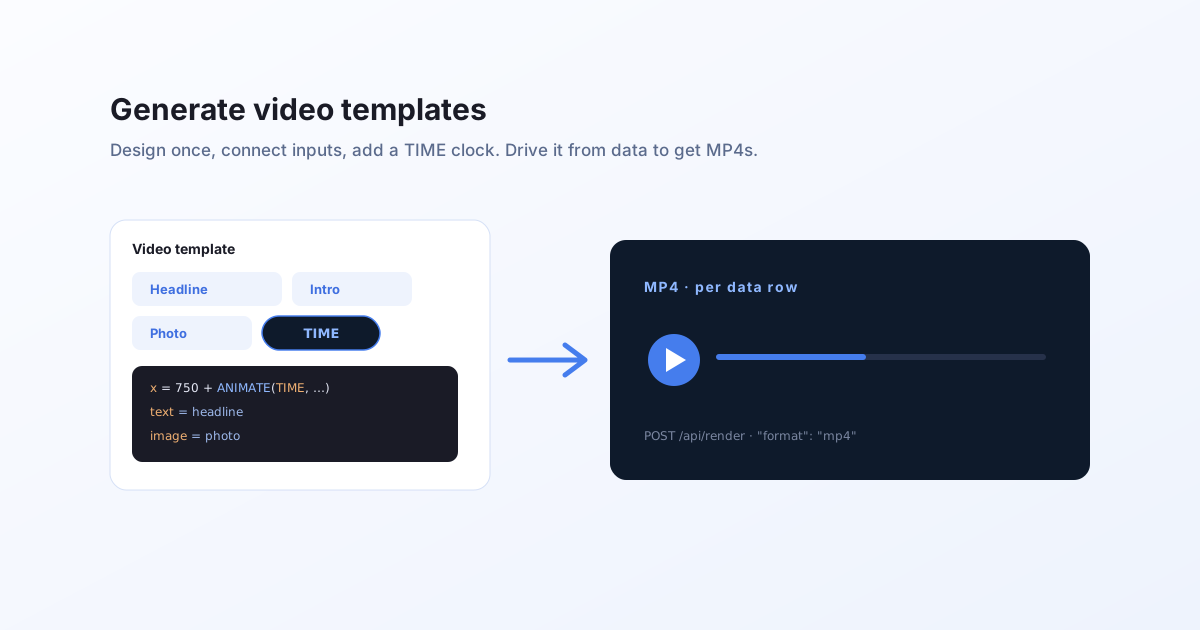
What a video template is
A video template is a reusable design that becomes a different video every time you feed it new data. In Bluepic it is not a special object: it is a normal, reactive template with two things added.
- An animation. A duration and a frame rate, and one or more properties that change over a
TIMEclock. - Connected input fields. The parts you want to vary per render (a headline, a photo, a price) exposed as fields your data fills.
Because the template is reactive, its properties are expressions, not fixed values. That is what lets one template produce a thousand on-brand clips: change the data, get a fresh video, with the layout re-fitting itself so long or translated text never clips.
How to create one
You build a video template visually in Bluepic Studio. The short version:
- Design the layout and connect the fields you want to fill from data (text, images).
- Set a video format (
mp4) in Project Settings, then set a Duration and FPS. That turns the design into a video template. - Animate a property. Click the Animate a property button, click a numeric property (position, size, rotation, opacity), and Studio freezes its current value as the first keyframe.
- Keyframe it on the timeline. Move the playhead, change the value, and add keyframes with linear or eased interpolation.
- Preview by scrubbing, then publish.
For the full walkthrough with screenshots of each step, follow how to build a video template in Studio.
How to drive it
Once published, a video template is rendered from your code by its templateId, with the fields supplied as data:
curl -N -X POST "https://api.bluepic.io/api/render" \
  -H "Authorization: <your API key>" \
  -H "Content-Type: application/json" \
  -d '{
    "templateId": "<your template id>",
    "data": { "headline": "Launch day", "photo": { "src": "https://…/img.jpg" } },
    "format": "mp4"
  }'
The response streams progress and ends with a hosted MP4 URL. See generate video via API for the response shape, and batch animate videos to render one per row of data.
Why templates, not one-off edits
- One design, every variation. A single template covers every recipient, product, or language. You maintain one thing, not a folder of exported clips.
- On-brand by construction. The layout, fonts, and colours are fixed in the template; only the data changes, so nothing drifts off-brand.
- Stills and video from the same source. The same template renders a PNG or an MP4 by switching the format, so your static and motion assets always match. See one template, two outputs.
What a video template is not
It is not a video editor. A Bluepic video template animates a designed layout; it does not cut, trim, or stitch footage. If your job is assembling clips on a timeline, a timeline-editing tool fits better. See the honest comparison of video-generation APIs.