
Generate video via API
How to generate an MP4 from a Bluepic template with one API call. POST a templateId and your data, read the streamed render, and get a hosted video URL back. Includes a free public demo you can call with no key.
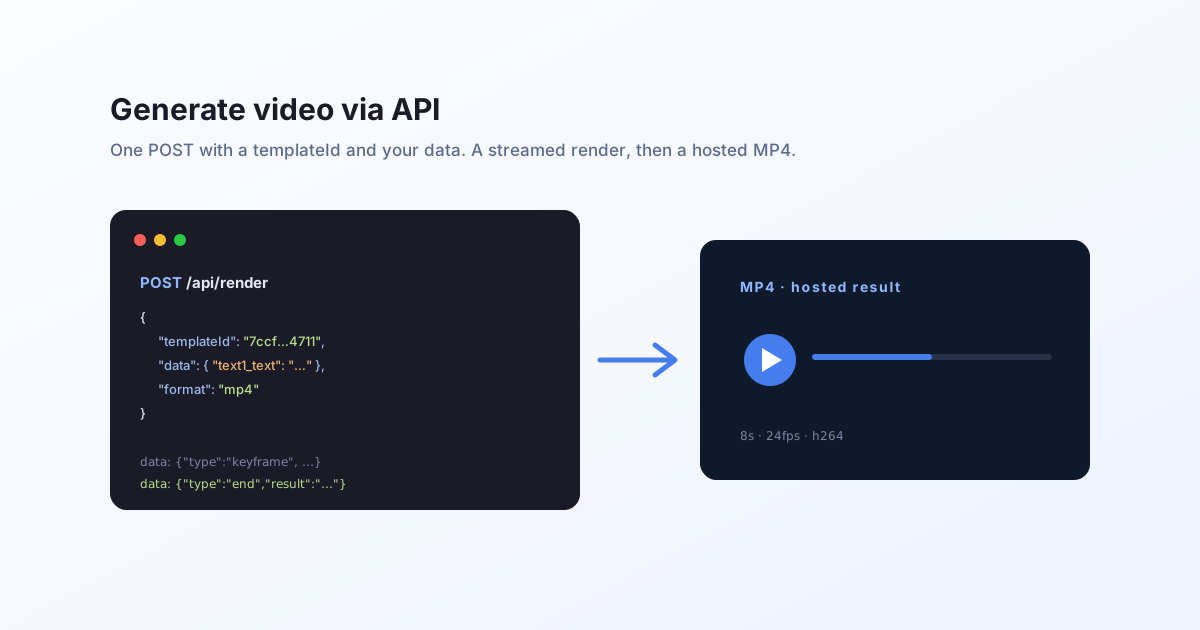
The whole loop
Generating video with Bluepic is one request. You POST the templateId of an animated template plus the data to fill it, ask for a video format, and the API renders it and hands back a hosted MP4.
POST https://api.bluepic.io/api/render
{ "templateId": "…", "data": { … }, "format": "mp4" }
An animated template is just a normal template with an animation (a duration and a frame rate) whose properties move over a TIME clock. If you have not built one yet, see how to build a video template in Studio.
Try it with no key
There is a public demo video template you can render with no API key and no credit cost. Its inputs are a photo (image4_image) and two lines of text (text2_text, text1_text).
curl -N -X POST "https://api.bluepic.io/api/render" \
  -H "Content-Type: application/json" \
  -d '{
    "templateId": "7ccf097c-10f2-4efc-bd03-8abe967c4711",
    "data": {
      "text2_text": "HEAR ME SPEAK AT",
      "text1_text": "THE BLUEPIC EVENT!"
    },
    "format": "mp4"
  }'
The response is a stream
A video takes longer than a still to produce (render every frame, then encode), so the endpoint does not make you wait blind. It returns a Server-Sent Events stream: live progress while it works, then a final event with the hosted URL. That is what -N is for, so curl does not buffer the events.
data: {"type":"init","sessionId":"…"}
data: {"type":"keyframe","frame":48,"totalFrames":192}
data: {"type":"encode_video","frame":140,"totalFrames":192}
data: {"type":"end","result":"https://…/result.mp4"}
Read the stream until the end event and take its result. That is your video's URL.
const res = await fetch("https://api.bluepic.io/api/render", {
  method: "POST",
  headers: { Authorization: "<your API key>", "Content-Type": "application/json" },
  body: JSON.stringify({
    templateId: "7ccf097c-10f2-4efc-bd03-8abe967c4711",
    data: { text1_text: "THE BLUEPIC EVENT!" },
    format: "mp4",
  }),
});

const reader = res.body.getReader();
const decoder = new TextDecoder();
let buffer = "";
let url = "";
for (;;) {
  const { value, done } = await reader.read();
  if (value) buffer += decoder.decode(value, { stream: true });
  let i;
  while ((i = buffer.indexOf("\n\n")) !== -1) {
    const line = buffer.slice(0, i).split("\n").find((l) => l.startsWith("data:"));
    buffer = buffer.slice(i + 2);
    if (!line) continue;
    const evt = JSON.parse(line.slice(5).trim());
    if (evt.type === "end") url = evt.result;
    // otherwise evt.frame / evt.totalFrames drives a progress bar
  }
  if (done) break;
}
// `url` is your rendered MP4
Formats, keys, and credits
- Formats.
mp4andmovproduce video. The image formats (png,jpeg,pdf,svg) render the same template as a still. See one template, two outputs. - Your own templates. Pass your API key as a raw
Authorizationheader (noBearerprefix). Issue one on the account page. Any template with ananimationrenders as video. - Credits. A still is 1 credit; a video is metered by length and resolution, at 1 credit per second of 2K at 24fps (how video credits work). The public demo templates are free.
Next
- Personalize and batch many videos from one template.
- Understand the expression engine that drives the motion.